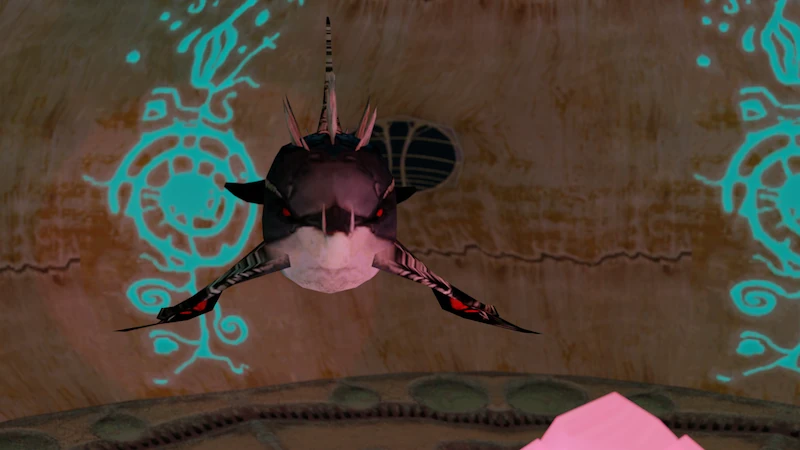
Those who have been following the project on our Discord will undoubtedly be familiar with all the issues surrounding this, thanks in no small regard to the fact I have not been able to reverse engineer the way separate models are built together, therefore a resource dump for every level is an absolute nightmare with hundreds of files that make up compound models, all with arbitrary names in Magyar, making it almost impossible to tell what they are without opening each and every one of them individually.
I still intend to continue with this but until then I will at least start posting resource dumps here. For the sake of brevity, there only include the converted models as well as their corresponding textures. This post is going to be pinned and used later as an index with links to individual collections. Important details will also be placed here for the ease of reference. Please do not hesitate to ask questions if something does not work or if links are broken.
WARNING:
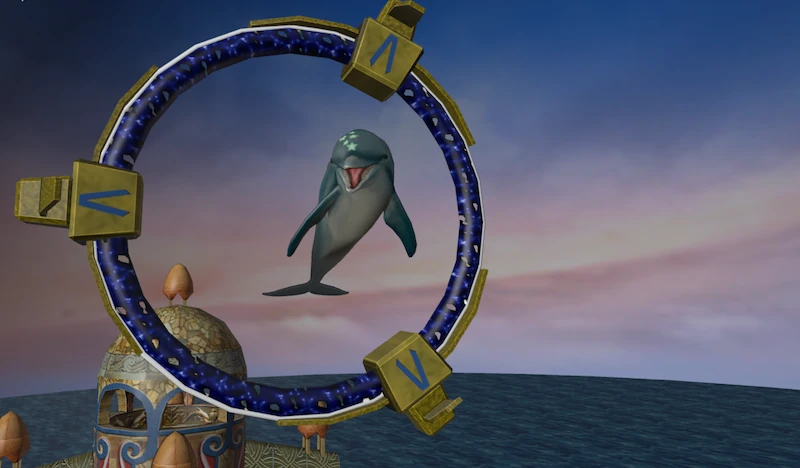
For whatever reason, all of the models that are stored inside .GDE files are MIЯRORED. This is most obvious when you look at Ecco and stars on his melon and can cause for nasty surprises if you're not careful. I have no idea what is causing this but if you are trying to reassemble a map, for example, it's best to immediately mirror all the objects right after you import them. The hotkey in Blender for this is
Ctrl + M and then X to flip stuff around the X axis.
Wavefront OBJhas been chosen as the output format as it's plain-text, easy to edit and widely adopted. Please note that Blender of version 4 and above are not able to import the file without a plugin and with version 3.x you will need to chooseWavefront (.obj) (legacy)in the import menu.- It is also highly suggested to install a plugin to import multiple .obj files at the same time as it's common in DoTF for a single model to be split into multiple smaller meshes. Please see below for a ZIP file containing the plugin.
- CAD-like transform plugin is a must-have for reassembling the models together as it allows to rotate, move and snap objects on their vertices, edges and faces. Version for Blender 3.x is free, newer one costs money. There is a good tutorial to get you started with this.
- .GDE internal structure for resources is non-hierarchical with no father-child chunks, however Novotrade are using names to group them. For example, Ecco's model is contained within a parent category of
Ecco.gdmwith all the relevant chunks then referencing that:Ecco.gdm/Eccofin.GMDL,Ecco.gdm/Eccofin.SKEL, etc. My resource extractor therefore leverages that to sort the files using this principle. - Every collection has a special
_a-texturesthat contains all the textures inside the .GDE file. Additionally, since .OBJ does not support relative paths in material descriptions, relevant texture files are also copied into directory that contains them. This is a little wasteful but also makes models completely self-contained.
Alternatively you can create your own elsewhere!
Here are the excerpts from a document I started writing on DoTF models format but did not finish with some pointers to how files are organized.
Useful Tools:The way DoTF resources are organized is that absolutely everything shown on the screen is a polygon mesh, including text on the screen and flat objects like kelp, as well as level geometry pieces such as buildings, rocks, tunnels, etc. This greatly simplifies accessing the game assets as all of them can be accessed, however there are presently still some edge cases that are not fully understood and require additional analysis.
The downside of that, however, is that information as what to do with those assets appears to be stored elsewhere, including scaling, so care must be taken when importing individual objects as their size can differ significantly from their normal in-game size.
Compound Models
Large objects are often broken down into many separate ones. Those segments are then either positioned in the world centre, having to be reassembled manually, or make up the whole object when imported. A good example is the main temple in Atlantis:
The object is broken down into 22 separate pieces but thankfully they all fit together when imported into the editor.
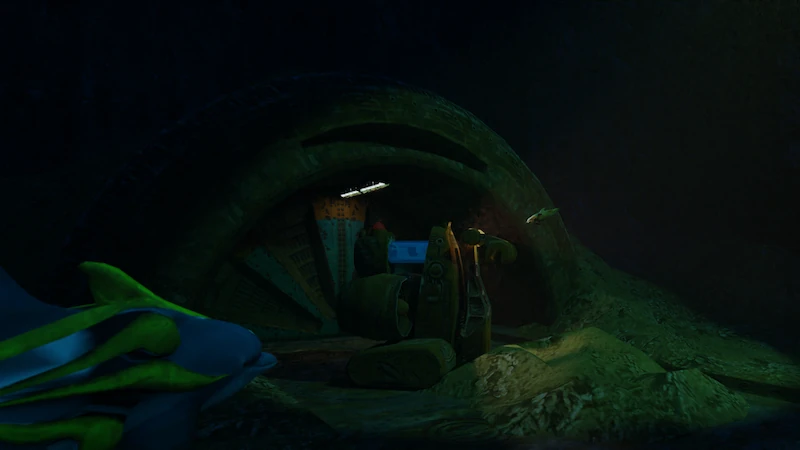
Some compound models, unfortunately, are not built like this and will require additional fiddling to get right, at least until it’s established and reverse engineered exactly where their transformation data is stored. More elaborate examples include the Detention Centre from Dolphin’s Nightmare episode. Some simple animated models also follow this rule, where they are broken down into individual pieces that are then moved independently. Those will be reviewed separately, even though I consider them to be just a special case of compound models.
Micro Models
Finally, there is another mode larger models are stored in, which appears to be reserved exclusively for pieces of level geometry. Those often havemicroin their filename and thus are referred to as Micro Models in this project. They are stored as relatively simple meshes that always have a form of a triangle and there can be quite a lot of them. The working theory so far is that once a level is complete it would go through a program that would analyze all the geometry for repeating patterns, break it into triangle sub-meshes and only store those that are required to later rebuild complete objects from those. This approach is actually very similar to how assets would be stored in the Mega Drive series where lots of smaller 8x8 tiles would be then assembled in all sorts of possible combinations to build the game levels.
It’s worth noting that not all maps are built this way and some of those are devoid of Micro Models altogether with pieces of level geometry stored normally. Likely this was a running experiment for resource usage optimization which was abandoned at some point, either due to time constraints or because there was no need for such cost saving measures.
Model Animation
As mentioned above, the game only appears to use skeletal animation for “important” models that we see and interact with a lot, including Ecco himself, since this kind is fairly resource intensive. A different approach to this is so called matrix animation, where the model is split into several pieces and each of them moves and rotates individually via simple matrix transforms. A great example is the bird in the cage in Atlantis Lost.
Unfortunately, for models like that the information on how their pieces go together is stored elsewhere and when imported into an editor all pieces end up on top of each other, having to be rearranged by hand. This is one of the limitations of the current project. Hopefully, more knowledge on how and where this information is stored will be gathered in the future, making this step redundant.
- Blender 3.6 LTS. Outdated but provides the best possible combination for working with the data set.
- 7-Zip. Required to unpack the files. The program can be downloaded here: https://www.7-zip.org/download.html
- CAD-like transforms for Blender 3.x:
 slcad_transform_0.95.0.zip
- (62.22 KiB) Downloaded 17 times
- Import Multiple OBJ plugin for Blender 3.x:
- import_multiple_obj_files-main.zip
- (2.83 KiB) Downloaded 18 times